A screen before the code
By Code from zero · myAudience
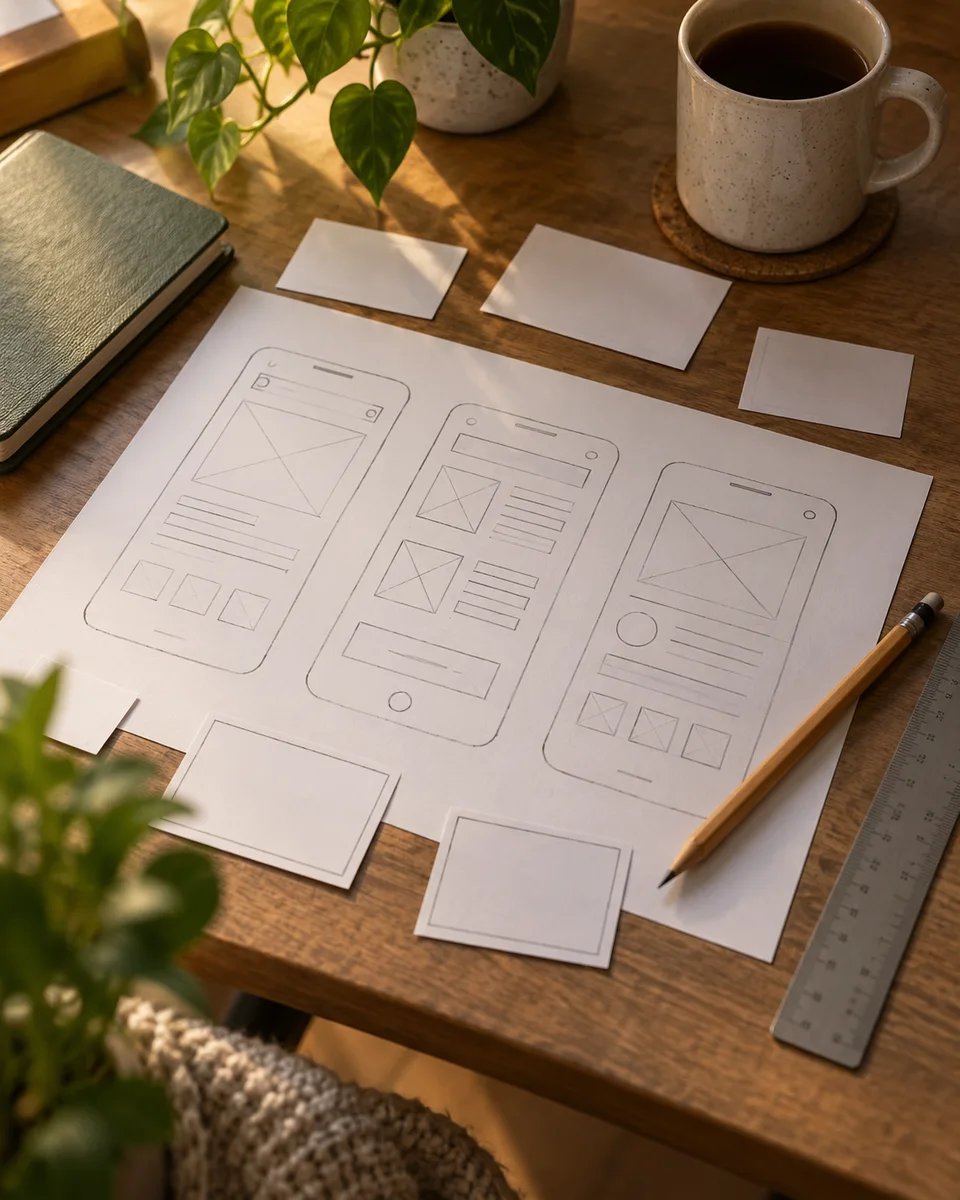
myAudience · AI-generated original illustration · Original AI-generated illustration; not documentary evidence; no third-party artwork reproduced.
A paper prototype makes an interaction visible before software is built. Draw the starting state, identify the action and show the resulting state. A useful prototype asks a specific question, such as whether a person can find a saved item, instead of trying to impress them with a complete imaginary product.
A screen is part of a flow. A form can be empty, partly completed, invalid, submitting or successfully saved. An interaction plan should also say what happens when a network request fails and how someone returns to the previous state. Showing only the successful ending hides the states that often make an interface confusing.
Use direct task wording when testing. Ask someone to change a setting or find a conversation, then observe their actions without immediately explaining the intended route. Their difficulty can reveal unclear labels, missing feedback or a misplaced control. A prototype test explores usability; it does not establish that a backend or account operation exists.
Worked flow: a user enters an email and selects Save. An empty address receives a visible error; a valid address enters a pending state; success displays the saved value; failure preserves the entered value with a retry action. Check: why should the form avoid clearing the text immediately after a click? The operation may fail, and the person should not have to reconstruct their input.
Our generated paper screen contains placeholders, not functioning fields or verified data. Keep interaction requirements separate from decoration and describe the success and failure conditions before implementation. When software replaces the paper, test keyboard use, narrow screens and focus movement as well as the visual arrangement.
Image: illustration, not a documentary photograph.